R.RED METHODAPPS

RELIABLE EVERYDAY DESIGN · RED INVOICE

Track. Report.
Invoice. Follow up.

Your time is valuable. Keep the details of the job together—and get the invoice out.

FOR GIG WORKERS & FREELANCERS · ANDROID

RED Invoice

Track. Report. Invoice. Follow up.

Your workday ends.
The paperwork shouldn’t begin.

Keep clients, jobs, time and expenses together. Turn the work you’ve done into a clear invoice—straight from your phone.

  • 01
    Capture your time.
    Record work, breaks, day rates and overtime.
  • 02
    Keep the receipt.
    Photograph or import receipt images, review scanned details, and include receipts with your invoice.
  • 03
    Send the whole story.
    Create PDF invoices with your time and billable expenses, ready to save or share.
  • 04
    Keep unpaid work in sight.
    Track payments and enable reminders for aging unpaid invoices.
Full access. Less than $2 a month.

$19.99/year — about $1.67/month, billed annually.
Start with a 14-day Full evaluation. No automatic charge for the evaluation.

Try RED Invoice on Google Play ↗

Available now for Android in the United States. Google Play version 1.0.0.

Full includes invoice creation, reports, receipt OCR, PDF sharing and unpaid-invoice reminders. Lite tracking is $9.99/year. Annual plans auto-renew; cancel in Google Play. U.S. prices shown; taxes may apply. After evaluation, a plan is required for continued creation/editing; existing records remain readable.
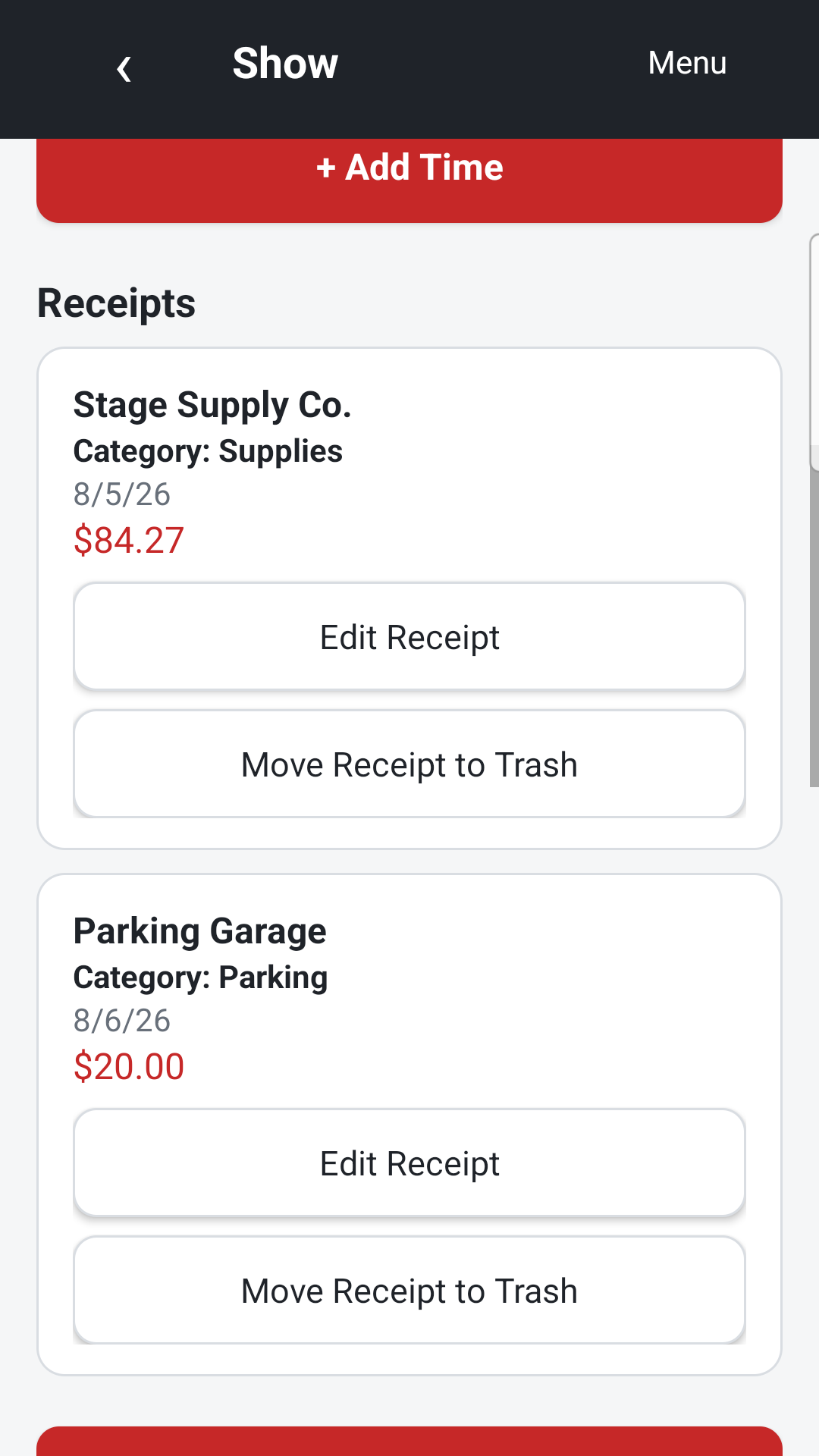
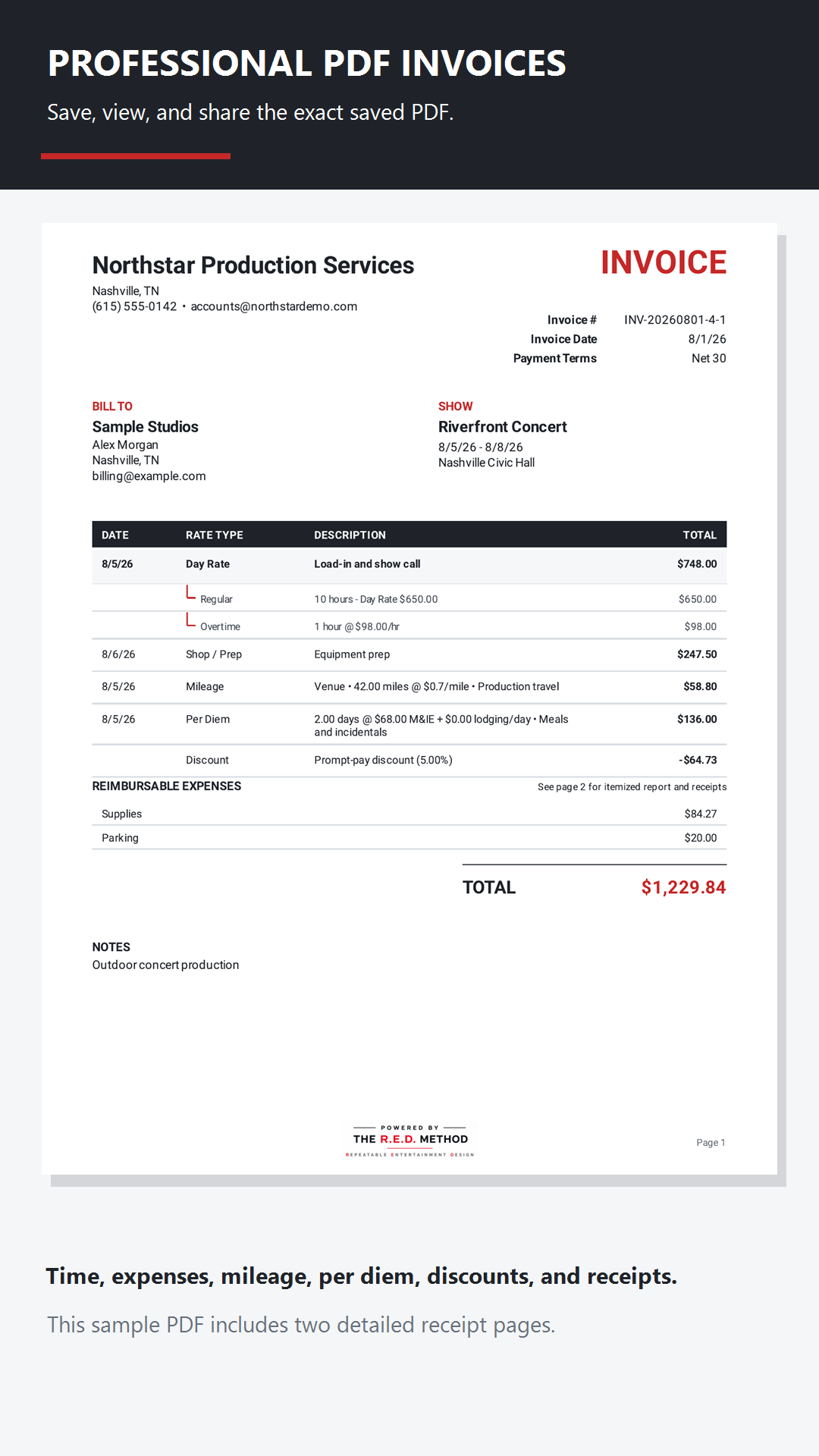
Receipt list showing sample supplies and parking expensesSample invoice PDF including overtime and expenses

A few useful answers

Before you get started.

How much does RED Invoice cost?

In the U.S., Full is $19.99 per year (about $1.67 per month, billed annually). Lite tracking is $9.99 per year. Annual subscriptions auto-renew unless canceled in Google Play. New users can evaluate Full for 14 days without an automatic charge. The app and Google Play show current terms before purchase.

Is RED Invoice available for iPhone?

This release is for Android. An iOS version is not currently offered here; we’ll update this page when that changes.

Does the receipt scan need checking?

Yes. Review scanned receipt information before saving it. You can correct the details, then select the expenses and receipts to include with an invoice.

Do unpaid-invoice reminders contact my clients?

The app’s optional reminders notify you about unpaid invoices at selected aging milestones. They do not automatically email or chase your clients.

Where can I find support and privacy information?

For Invoice, email [email protected]. Read the privacy policy or account-deletion instructions. HOG Link support is at hoglinkapp.com.

Built with care.
Improved through real use.

Built with AI assistance and shaped by real-world experience. Our job is to bring the workflow together, test it, support it and keep improving it—so you can focus on your work.

AI assists our development process. Receipt recognition can make mistakes; review scanned details before saving them.